
Home › Pay WASA Bill Online
Pay online
How to Pay Your WASA Bill Online
You have checked your bill — now pay it without a bank queue. These are the ways WASA and KWSC bills are actually paid in Pakistan, what each one needs, and the mistakes that cause failed payments.
First: get the bill in front of you
Every payment method needs the number printed on your bill and the exact payable amount. Check your WASA bill first, note the amount payable within the due date, and only then pay.
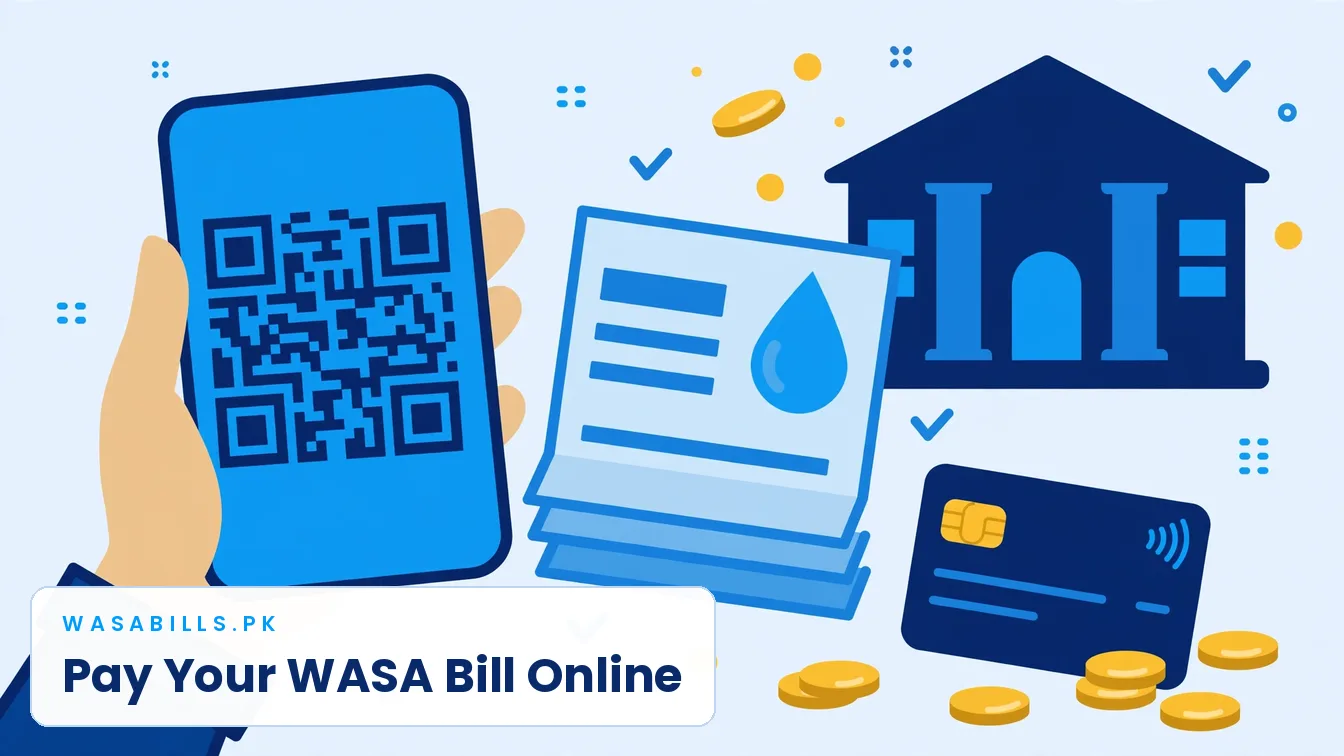
Pay from a bank mobile app
- Open your bank app and go to Bill payment / Utility bills.
- Choose the water category and your authority — WASA for your city, KWSC for Karachi, CDA for Islamabad. For Lahore 1-Link payments, enter prefix 100059 before the 8-digit consumer number.
- Enter the consumer / account number exactly as printed. The app shows the payable amount — match it with your bill.
- Confirm and pay. Save the transaction ID or take a screenshot.
Pay with Easypaisa or JazzCash
Both wallets pay most city water bills under Utility Bills. Karachi’s KWSC bill page also offers a direct ‘Pay Via JazzCash’ option: open your bill on kwsc.gos.pk, press it, enter your JazzCash mobile number and the CNIC registered with the account, and confirm. For other cities, choose the wallet’s bill payment section, select the water authority, enter the number from the bill and pay the amount shown.
Pay by QR code (Lahore)
WASA Lahore bills carry a printed QR code. In the Bank Alfalah, Standard Chartered or HBL mobile app, choose Discover / Scan QR, scan the code on the bill, check the details the app shows, and pay. No typing, so no number mistakes.
Pay at a counter
Print the duplicate bill and pay at any authorised bank branch, a NADRA e-Sahulat centre or an authorised retail agent. Keep the stamped copy or the agent’s receipt — if a payment is ever disputed, that paper is your proof.
All payment routes at a glance
| Way to pay | How it works | Good to know |
|---|---|---|
| Bank mobile app | Bill payment → water / WASA → choose your city authority → enter the number on your bill → confirm and pay | Works with all major Pakistani banks; keep the transaction ID |
| Easypaisa / JazzCash | Utility bill payment → select the water authority for your city → enter consumer / reference number → pay | Karachi KWSC bills can also be paid by JazzCash from the KWSC bill page itself |
| 1Bill (bank apps & ATMs) | Where the bill shows a 1Bill reference (e.g. Lahore), pay it from any 1Bill channel | The reference is printed on the bill itself |
| Bank counter | Print the duplicate bill and pay cash at any authorised bank branch | Keep the stamped copy as proof |
| NADRA e-Sahulat / retail shops | Take your bill or its number to an e-Sahulat or authorised retail agent | A small service fee may apply at some agents |
If a payment does not appear on the next bill
It happens now and then: you paid, the money left your account, and the next bill still shows the amount as arrears. Do not pay it a second time. Most bank and wallet payments reach the authority within a day or two, so first check the next bill after that. If it is still there, take the transaction ID and the paid receipt to the bank or wallet’s helpline — a payment made against the wrong consumer number can usually be traced and moved. Only when the bank confirms the payment never reached the authority should you pay again, and keep both receipts until the corrected bill arrives. The full tracing process is in our guide to a WASA bill paid but not updated.
Payments that fail — the usual causes
Wrong number. One wrong digit sends the payment to no account or the wrong account. Copy the number from the bill, never from memory. Paying after the app’s cut-off. Some apps process late-night payments the next working day — pay a day before the due date. Partial payment. Some channels, including NADRA counters for Lahore bills, do not accept partial payment; pay the full payable amount.
Paying for someone else — family, tenants, a house you rent out
Nothing in the system requires the payer to be the connection holder. Anyone with the consumer number can pay a bill — a son paying his parents’ bill from another city, a tenant paying the house’s bill directly, a landlord settling a vacant property. Two habits keep this clean. The payer keeps the receipt or screenshot, always: it is the only proof the money moved. And a tenant who pays should send the landlord the paid copy the same day, so the month is never demanded twice. Landlords, for their part, can check a tenant’s payment claim in a minute with the duplicate bill — the current bill shows what is still outstanding against the connection.
Part payments and arrears, without the folklore
Most channels — bank apps, wallets, NADRA counters — take the full payable amount only. That is not cruelty, it is how the billing record works: a bill is settled whole or it stays open. What happens instead is simpler than the rumours. An unpaid amount does not vanish and does not double overnight; it returns on the next bill as arrears, and the surcharge applies on late payment as the bill itself shows. If a backlog has grown beyond one month’s income, do not hand cash to anyone who promises to “settle” it. Go to the authority office with your bills and ask what the record shows and what can be paid, in what order — the answer is written on your own billing history, and it is free.
Paying from outside Pakistan
Looking after a house from abroad is a common reason bills go late, and it does not have to be. If you hold a Pakistani bank account, its app pays WASA bills from anywhere in the world exactly as it does at home — the bill does not know where the phone is. Mobile wallets are tied to a Pakistani mobile number and account, so they suit a family member in Pakistan better: send them the consumer number and the payable amount from your online check, and they can pay in two minutes. Either way, keep the confirmation with the rest of the house’s papers — an empty house with a clean billing record is far easier to return to, rent out or sell.